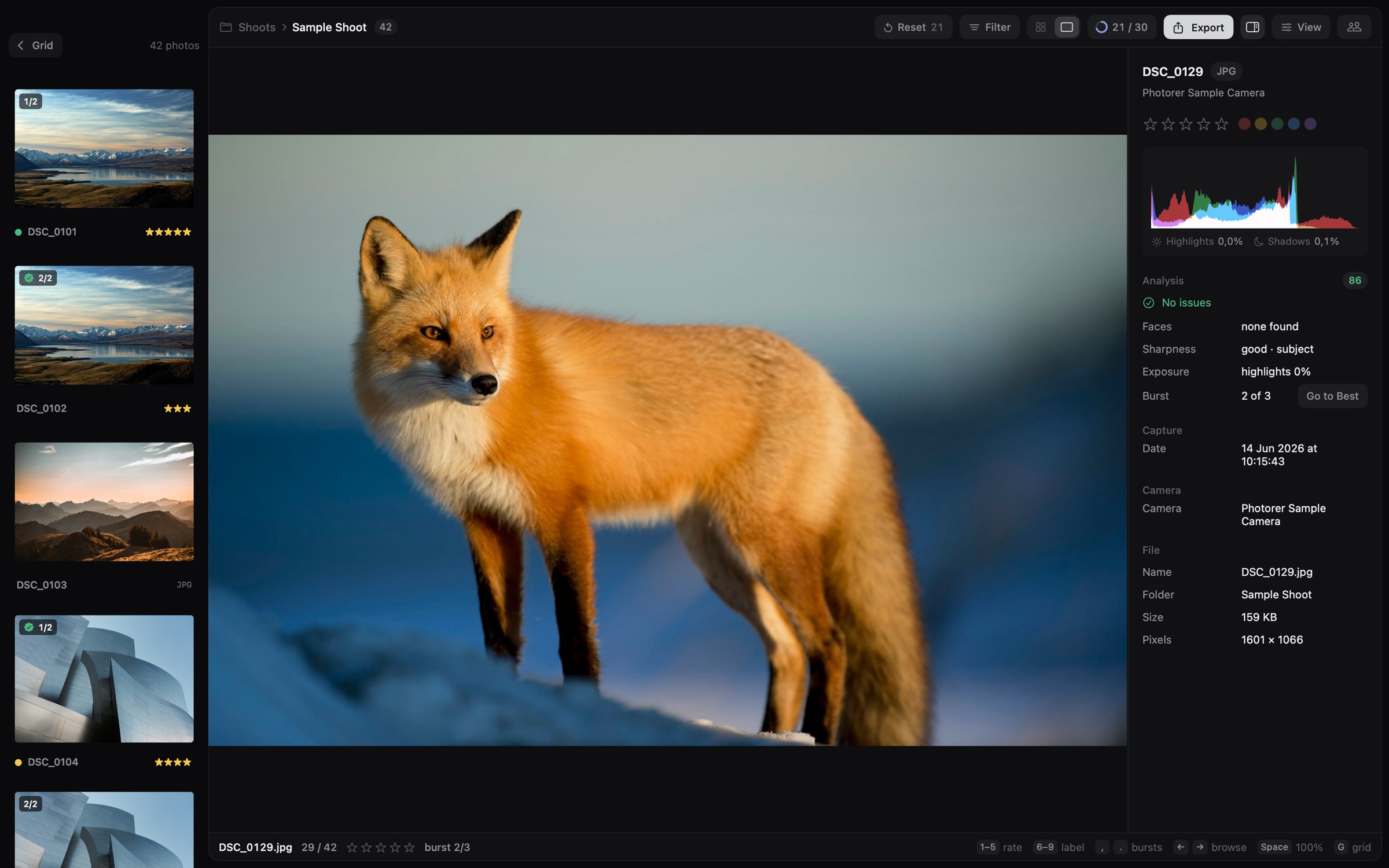
Focus at 100%.
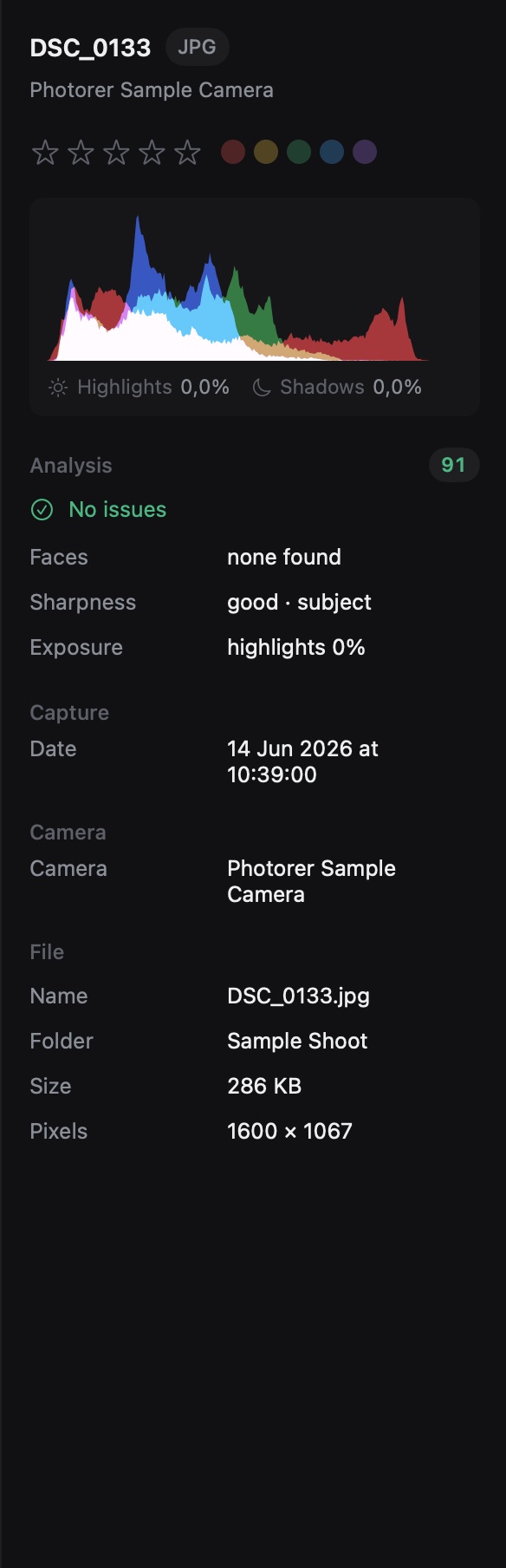
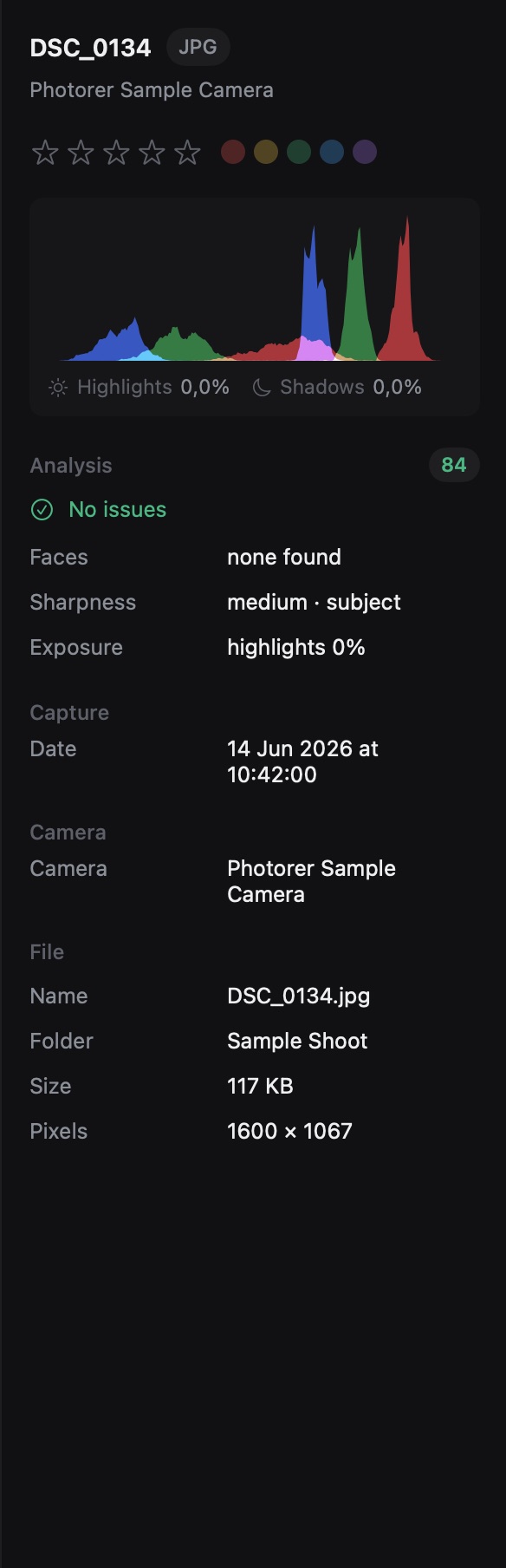
Space jumps to full resolution right where you look. Check the eyes, then back to the grid.
 Photorer
Download
Photo culling for teams · for Mac
Share thousands of photos with the people you work with. Everyone takes a section on their Mac, and every pick lands in your files the moment it’s made.
Downloads open soon · Assistants join free · Apple silicon · macOS 15 or later
Cull together
Culling thousands of photos alone takes a whole day. Hand sections to your team, and finish before dinner.
01 · Share
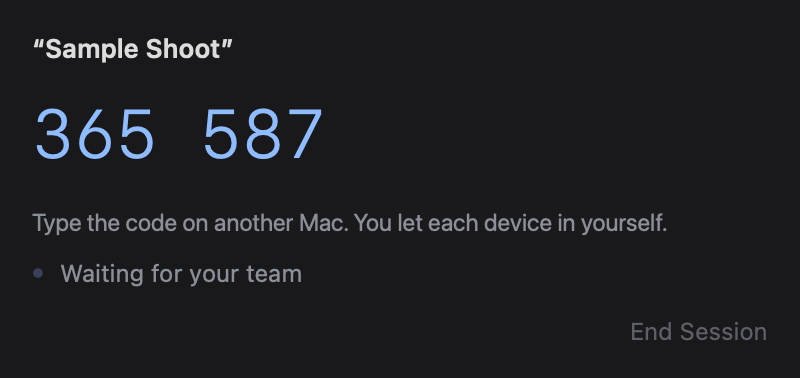
Open the shoot and press Share. Your team types the six-digit code on their Macs. You approve every device, and the code alone isn’t enough.
02 · Split
Give someone a percentage of the shoot, or select exact photos and give those. They get the free app and a code, then see only their share, on their own Mac and your Wi‑Fi, with nothing to copy. Every pick lands in your shoot as they make it.
03 · Finish
Assistants press I’m Done, and you see it right away. Review All Picks then gathers everyone’s picks in one place, for your final word. If your Mac goes to sleep, they keep culling from copies saved on their Mac, and it all syncs when you’re back.
Your section, fast
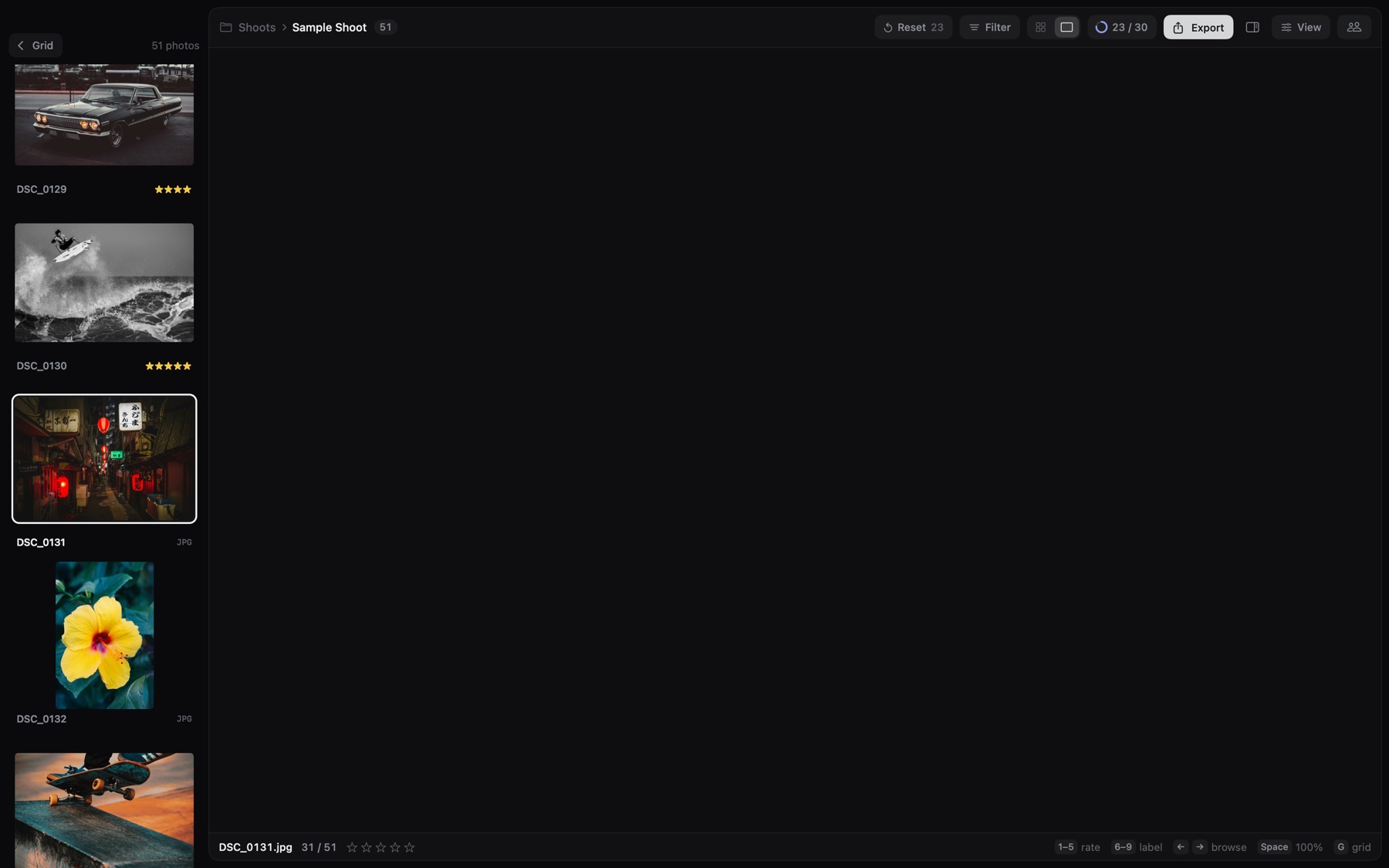
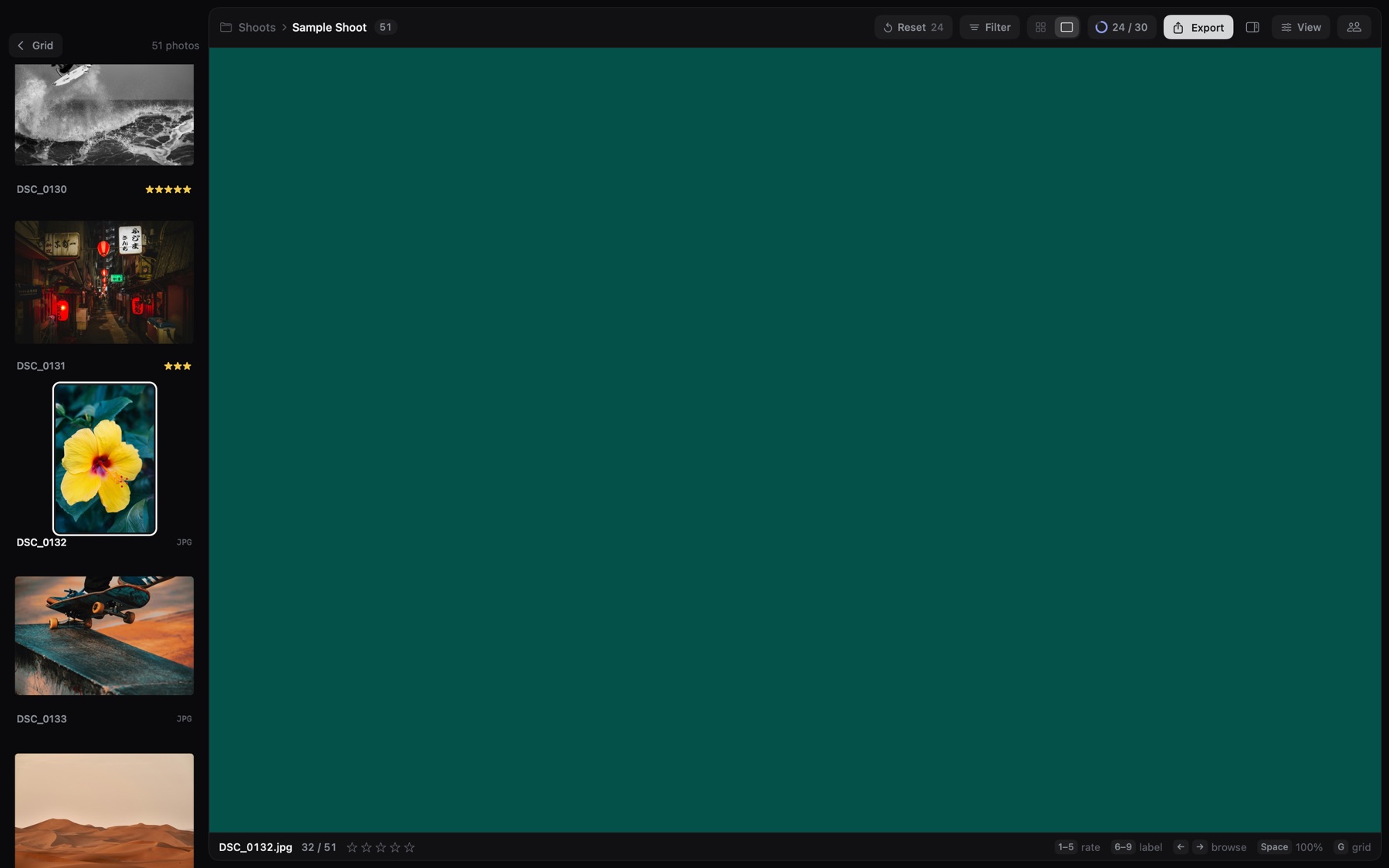
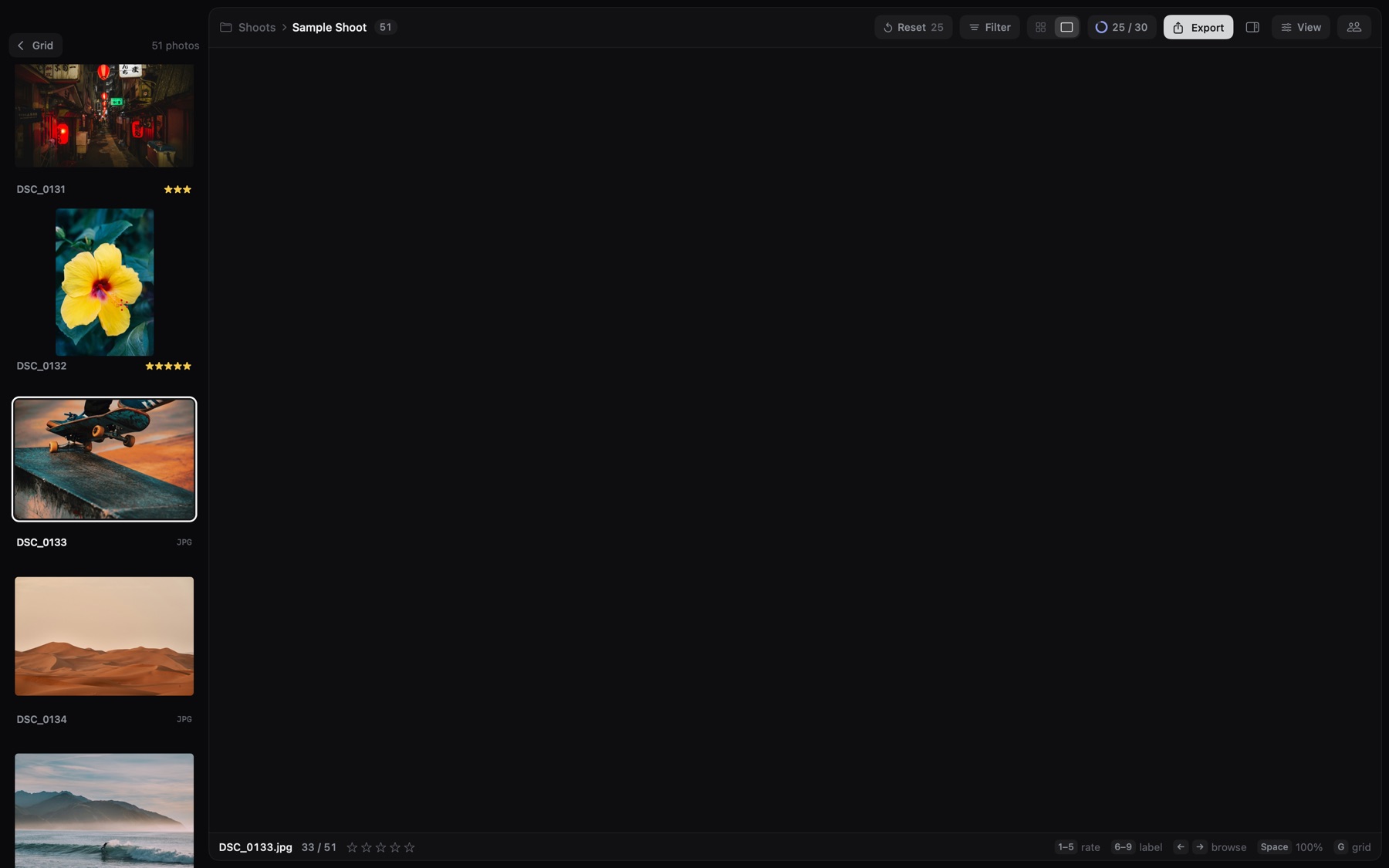
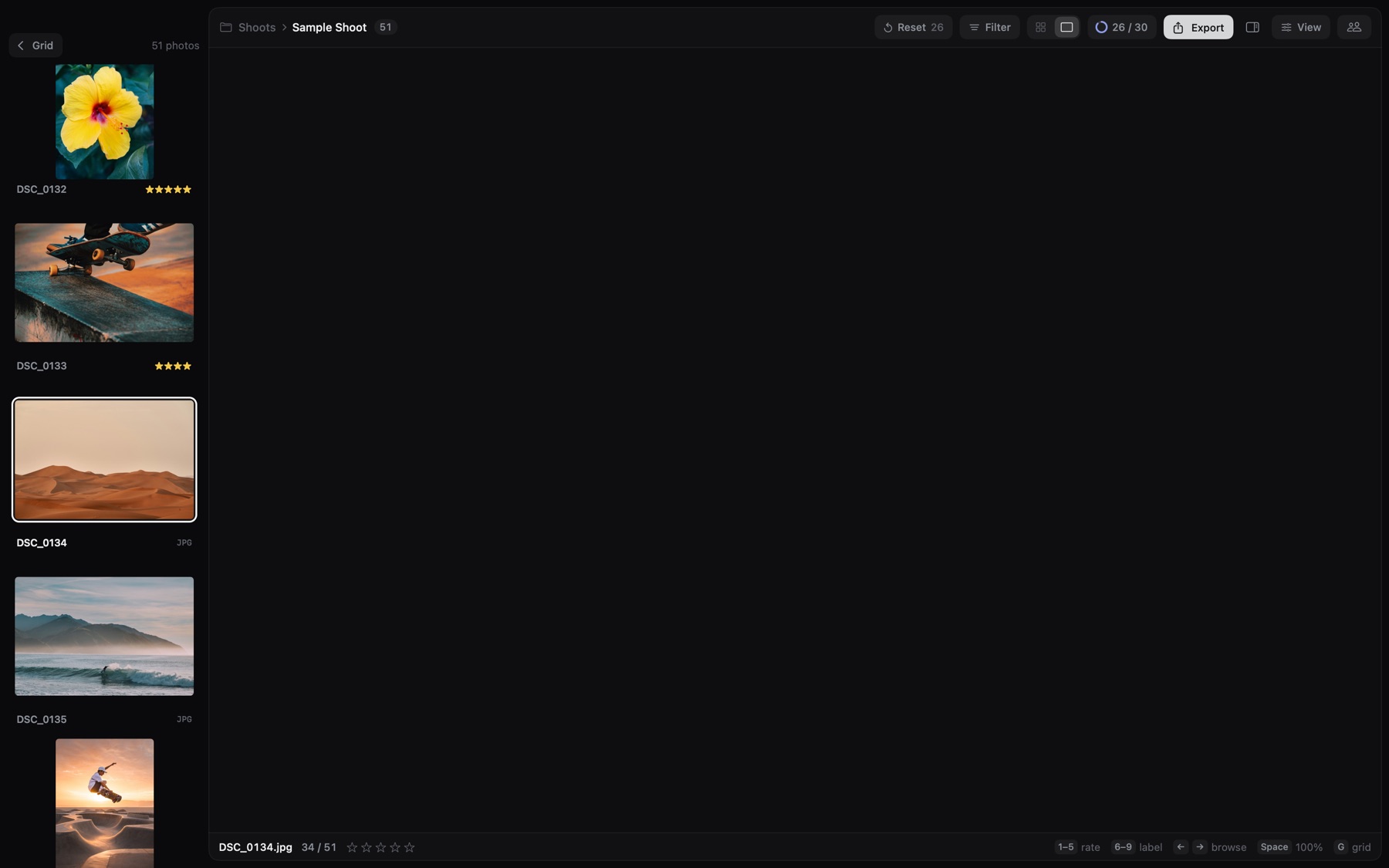
Press 1–5 to rate and 6–9 to label. Photorer moves to the next frame before you lift your finger — no clicking, no waiting for previews.


Sets that arrive in pieces
The case
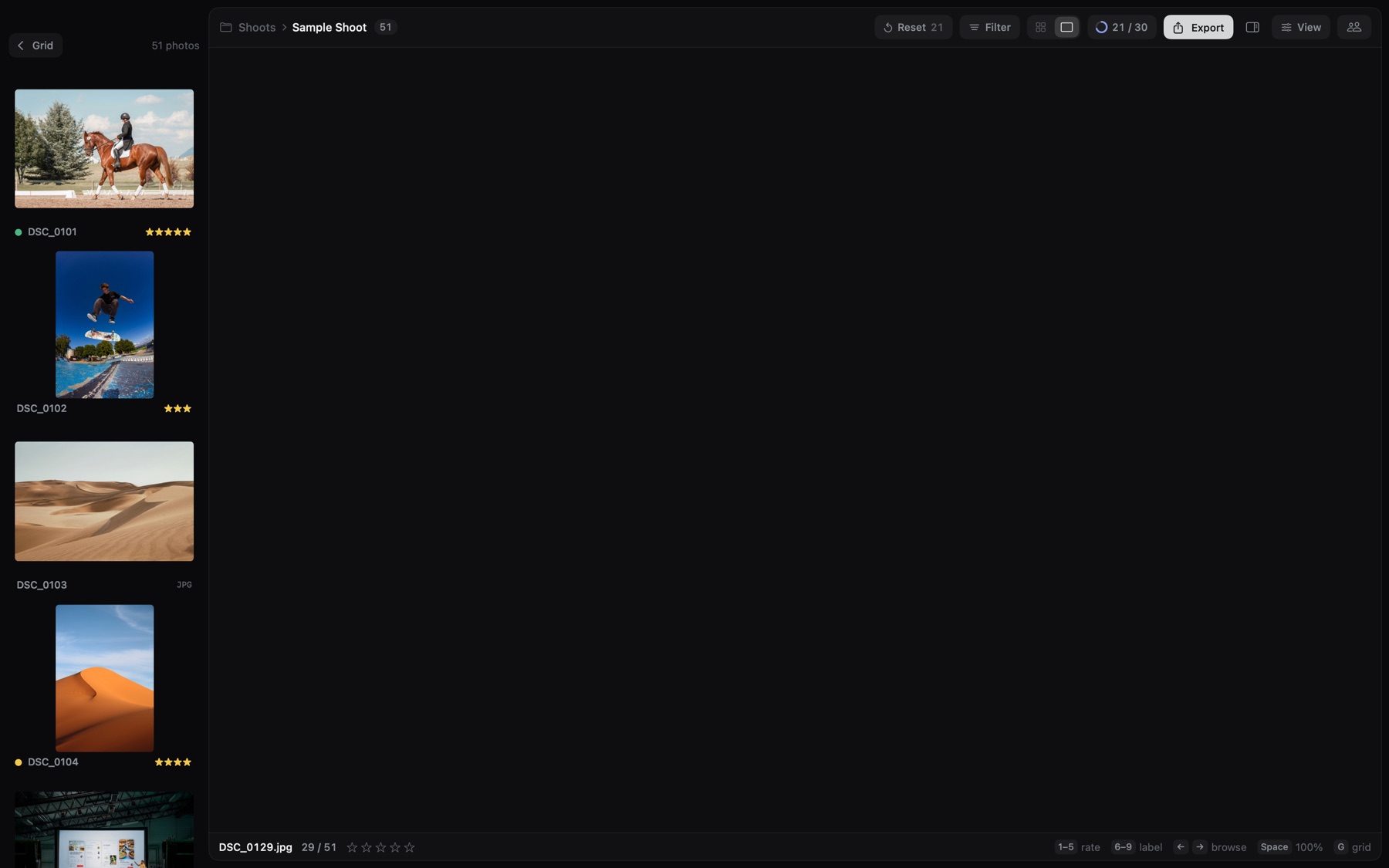
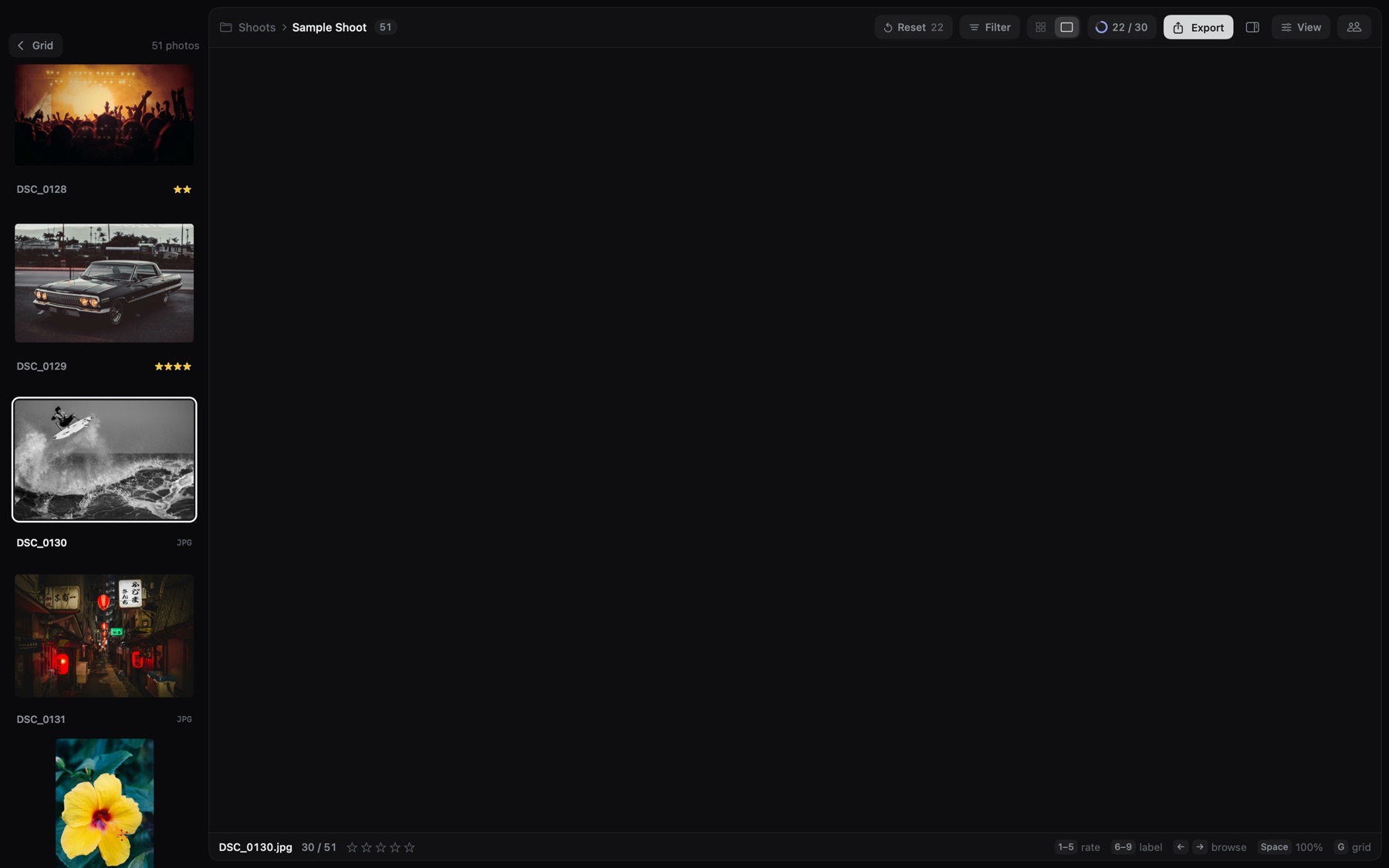
You download a set, and it comes as 50 subfolders: one per card, per camera or per hour.
The problem
You can’t cull what you can’t see in one row. Moving 6,000 files by hand means clashing names, split RAW+JPEG pairs and XMP files left behind.
The solution
Press Merge All Subfolders Here. Every photo moves up into one folder, with its pair, ratings and XMP. Empty folders go away, other files stay, and ⌘Z puts everything back.
Built for the first pass
Space jumps to full resolution right where you look. Check the eyes, then back to the grid.
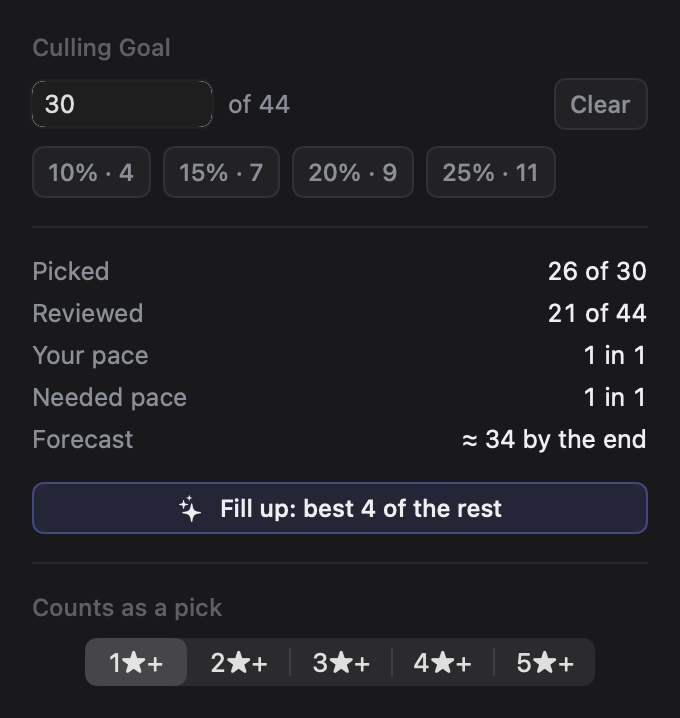
Set a goal like 600 of 5,000. Photorer shows your pace and where you’ll land.
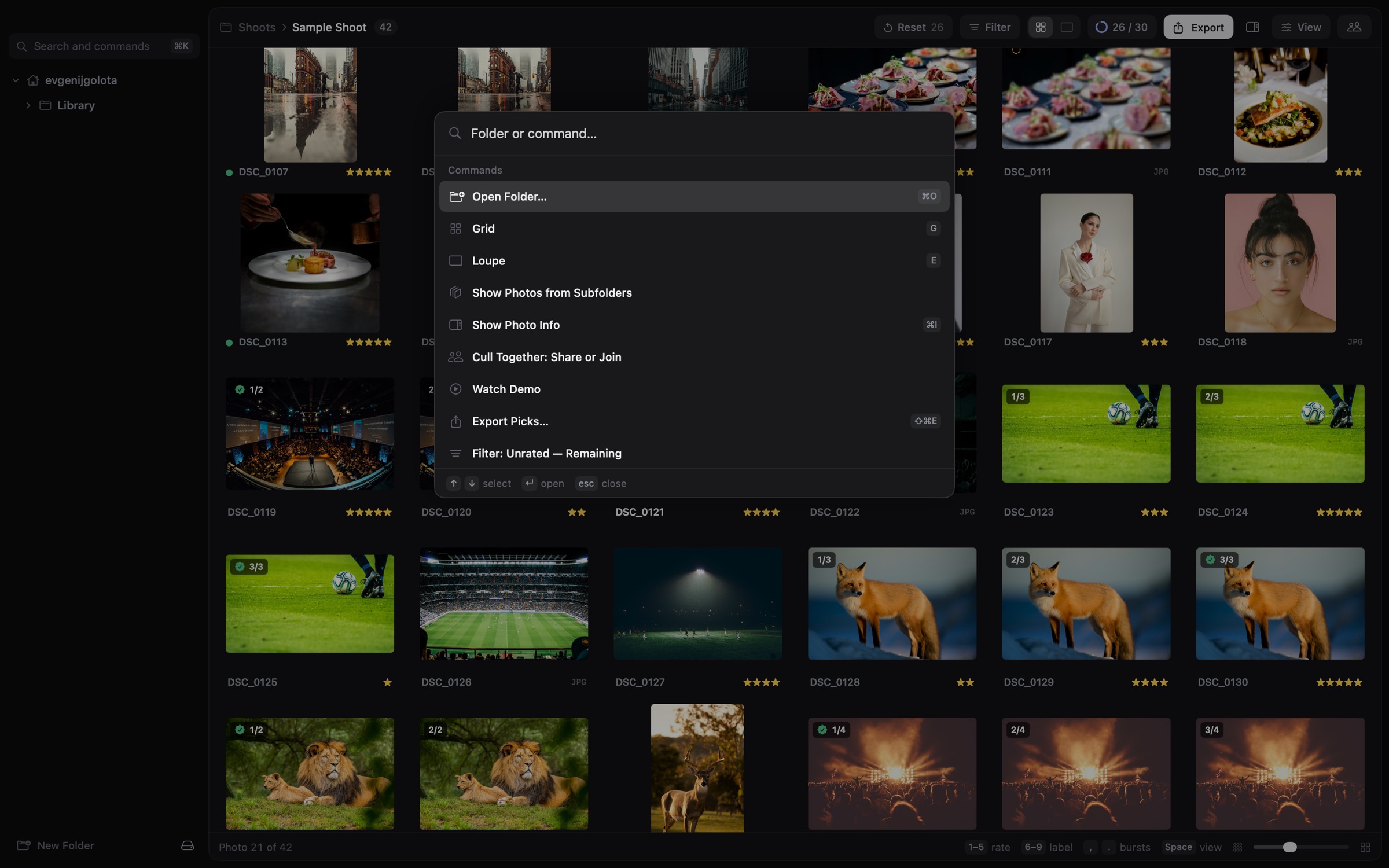
Folders, filters, export, sorting — type a few letters. Filter to picks, to unrated, or to the best of each burst.
No cloud, no upload, no account. Analysis runs on Apple silicon, offline.



Similar frames group together, with the sharpest one marked.
Stars and labels go to XMP sidecars. Import, and your picks are already there. Originals are never rewritten.
A RAW, its JPEG and its XMP move, copy and export as one. If a drive fills up or disappears, nothing ends up half done, and Photorer tells you when a rating can’t be saved. A sidecar it can’t read is left untouched.
A sample shoot plays out the whole flow with a made-up assistant, before you share anything.
Pricing
Assistant
Free
For assistants and second shooters
Photorer Pro
$79 one-time
7-day free trial · Taxes calculated at checkout
Photorer is in private beta, and downloads open soon. The price above applies from launch.
Payments are handled by Paddle, our reseller and merchant of record. See Terms and Refunds.
No. Anyone you invite joins for free from the Mac app. Only the photographer who shares the shoot needs Photorer Pro.
For now, everyone needs to be on the same network: the studio, the venue, or a phone hotspot. Culling together over the internet is on the roadmap.
Nothing is lost. Assistants keep culling from copies of their photos saved on their Mac, ratings wait on each device and sync as soon as it reconnects, and every rating ends up in the XMP files on your Mac.
No. Ratings and labels are written to XMP sidecars next to your RAW files — the way Photo Mechanic and Bridge do it. Export works on copies.
No. Previews and analysis happen on your Mac. When you cull together, previews travel only over your local network, encrypted, straight to the people you approve.
27 RAW formats plus JPEG, HEIC and TIFF. We test 165 camera models from Canon, Sony, Nikon, Fujifilm, Leica, Hasselblad, Panasonic, Olympus, Ricoh and Apple.
Yes. Import the folder (or the exported picks) into Lightroom Classic and the stars and color labels come along from XMP.
Not at the moment. Photorer is built for Apple silicon and macOS 15 or later.
Yes. A license works on one Mac at a time: deactivate it in Settings › License, then enter the key on the new Mac. If the old Mac is lost or broken, write to us and we’ll free it.
Only to start the trial or activate a key, and for a short check now and then. A purchased license keeps working offline for up to 60 days between checks. Your photos are never sent anywhere, and if a check is overdue only Pro features pause: your ratings and XMP files stay as they are.
Bring your team.
Download for MacPrivate beta · Downloads open soon · Apple silicon · macOS 15+